For primary schools with all-day care

From the first lesson to pick-⁠up. One system.

FlexWise brings lessons, all-day care, holidays and pick-up together in one system – so leadership, teachers and educators always know where every child is.

GDPR-compliant · Hosted in Germany · On every device

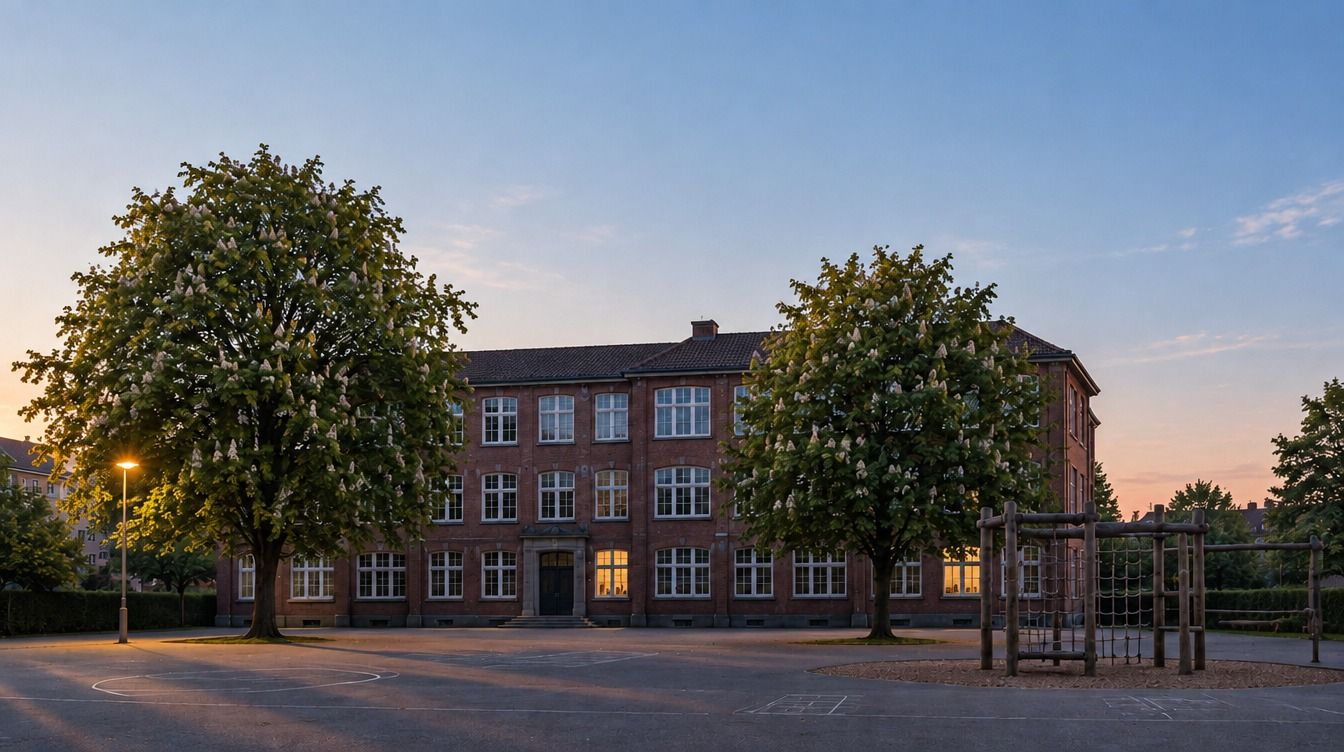
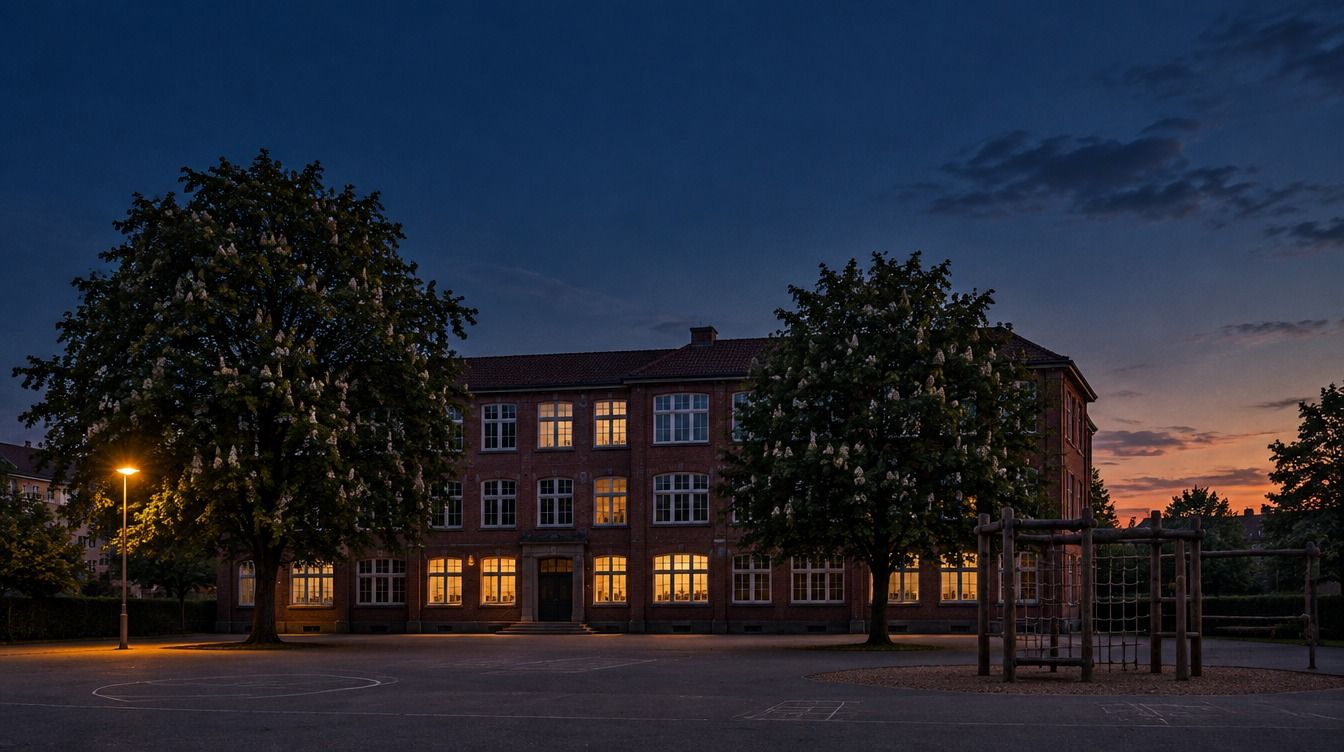
Illustrative image, AI-generated

A school day from 7am to 6pm: FlexWise covers the whole day – early care, lessons, lunch, study time, clubs, care and pick-up.
  1. Early care: attendance taken with a single tap
  2. Chip on the reader: the class register opens.
  3. Cover planned by drag-and-drop
  4. Handover to all-day care: everyone sees who is here.
  5. Club attendance recorded
  6. Pick-up documented – supervision without gaps

Legal right to all-day care

Eight hours. Five days. Holidays included.

Since the 2026/27 school year, first-graders in Germany have a legal right to all-day care – eight hours on five days, holidays included. Each year one more grade is added. More children in the afternoon, more activities, more coordination: the legal right is above all an organisational task. FlexWise makes it manageable.

Legal basis: Ganztagsförderungsgesetz (GaFöG)

  1. 2026/27 Grade 1now
  2. 2027/28 Grades 1–2
  3. 2028/29 Grades 1–3
  4. 2029/30 Grades 1–4

How FlexWise works

One system for the whole school day

From early care to pick-up – without paper lists, duplicate spreadsheets or WhatsApp groups.

Know where every child is

In the classroom, the teacher’s chip opens the class register; in all-day care, attendance is taken with a single tap. At pick-up, educators see who may collect the child – and FlexWise records when the child was checked out and by whom, whether collected or walking home alone.

  • Attendance per lesson
  • Chip login at the classroom PC
  • Pick-up with authorisation
  • Digital class register

One plan for the whole day

Lessons and all-day care share the timetable, rooms and staff. Cover, clubs and holiday programmes are planned in the same system – nothing entered twice.

  • Timetable & cover planning
  • Clubs, courses & study time
  • Holiday programmes with sign-up
  • School calendar

Everyone in the loop

Teachers, educators, partner organisations and parents reach each other in one system – and every role sees only what it is allowed to see.

  • Messenger for staff & parents
  • Newsletters & notices
  • Video conferencing
  • FlexWise Cloud for files

At home

Letters and sign-ups: on the phone, not in the school bag.

Families read what the school and the class share in the parent app, and sign their child up for holiday courses right there.

  • Report a sick child straight from the app
  • Add the adults allowed to collect your child
  • Say how your child gets home

Scene AI-generated · real app, sample data

Film without sound, scene AI-generated: at the breakfast table a parent holds a phone with the parent app. It shows Emma from class 2b, the sign-up for a circus week in the autumn holidays, and the school’s news.

In the classroom

One chip. Then the children tap their own names.

At the start of the lesson, the teacher’s chip opens the class view on the smartboard. The children tap their name, then “Anwesend” (present) – anyone still missing is listed under “Ausstehend” (pending). One tap on “Speichern” (save) and the attendance is in the class register. Anyone marked present is automatically checked in as well.

  • Chip login for the teacher only
  • Present, late or absent – one tap each
  • The class’s timetable, dates and notes at a glance

Scene AI-generated · real app, sample data

Film without sound, scene AI-generated: a teacher holds their chip to the reader. The smartboard opens the class view for class 2b. Two children tap their names one after the other, then “Anwesend”, and then appear under “Anwesend”.

In the afternoon

One tap at the door. The pick-up is recorded.

When a child goes home, one tap on “Auschecken” (check out) is enough. FlexWise records when and by whom the child was checked out – and whether they were collected or walked home alone. The whole team can see at a glance who is still here.

  • Colours show who may leave: alone, when collected, or not yet
  • Time and person saved at check-out
  • Tapped too soon? “Rückgängig” (undo) takes it back

Scene AI-generated · real app, sample data

Film without sound, scene AI-generated: an educator taps “Auschecken” (check out) on a tablet, and Emma’s row changes to “Entlassen 15:52” (checked out at 15:52). Emma crosses the schoolyard and leaves through the gate holding a parent’s hand.

In the holidays

Who is where? The screen in the hallway shows it.

In the holidays, the screen in the hallway shows the children who is in which room right now – refreshed every minute from the day’s check-ins and room assignments. Plus a note for the day, written by the team.

  • Check children straight into a room: find the child, tap the room
  • Drag children into a room – on a tablet too
  • Reports per day, week or date range

Scene AI-generated · real app, sample data

Film without sound, scene AI-generated: three children with school bags walk down a school hallway. On the wall hangs the holiday-care screen with “Sommerferien – Donnerstag, 15. Juli”: which children are in the creative room, the gym, the garden and the reading corner, and below it the note for today.

Timetable & cover

Timetable and cover – in the same system as all-day care

What the school leadership plans, teachers see in their day straight away – without a second program and without syncing between systems.

Timetable with auto-suggestion

From the teaching assignments, FlexWise suggests a timetable – to your rules: as few free periods as possible, double lessons, subjects in the morning or later in the day, course blocks and fixed staff meetings. Anything already placed stays put. The planning board shows conflicts straight away, and nothing is published until you say so.

  • Several suggestions to compare
  • Drafts for next term
  • Staff preview: confirm or ask for changes
Class 2b’s register: the week’s timetable with teacher, room and attendance, and a cover lesson in PE on Wednesday.
Real app screen with sample data

Cover sorted before the first lesson

In the morning, one list shows who is off and which lessons are affected. Pick the cover, add a note, publish – the teacher sees the lesson on their start page straight away, on their phone too.

  • Staff and class absences
  • Freed up by class absences: who can step in
  • Planning overview and statistics

Scene AI-generated · real app, sample data

Film without sound, scene AI-generated: early morning in the office, still dark outside. On the screen, Thursday’s cover planning: two teachers are off, six lessons need cover, the first ones are assigned – such as PE with class 3a, with a note on where the equipment is.

In the staff room

One look at the phone. The cover lesson is already there.

The start page shows teachers the day’s lessons and the school’s notices. When someone is absent, the cover lesson appears below – with the time, the room and a note for the lesson.

  • Who is absent and who takes over, at a glance
  • Read notices and mark them as read
  • Take attendance straight from the lesson

Scene AI-generated · real app, sample data

Film without sound, scene AI-generated: in the staff room a teacher holds a phone with the FlexWise start page: the day’s lessons, two notices and, below, the cover lesson – PE with class 3a, 10:45 to 11:30 in the gym, with a note on where the equipment is.

In the hallway

Published in the office. On screen in the hallway.

The screen in the hallway shows the day’s cover plan: which class has which cover in which lesson, in which room, and what is cancelled – plus the note for the lesson. It updates itself every 30 seconds.

  • Only published cover lessons appear
  • Cancelled lessons clearly marked “entfällt” (cancelled)
  • Moves on to the next day by itself

Scene AI-generated · real app, sample data

Film without sound, scene AI-generated: three children with school bags walk down a school hallway. On the wall hangs the screen with Thursday’s cover plan: by class, with lesson, subject, cover and room, and two lessons that are cancelled.
A teacher’s start page at the desk: today’s lessons, notices and a cover lesson.
A teacher’s start page on a phone: current lesson, notices, a cover lesson.
Real app screen with sample data

Ready everywhere

Planned at the desk. Done on the move.

Leadership and the office keep the full picture on a big screen – schedules, reports, administration. Teachers handle attendance, the class register and messages on their phone between classes. Same data, same system, on every device.

  • Full overview on desktop – for leadership & office
  • Done fast on mobile – for teachers
  • Installable as an app (PWA) – no app store

Data protection

Built for data protection in schools

Children’s data does not belong in a US cloud. FlexWise is hosted in Germany, and roles decide who may see what.

Servers in Germany

FlexWise is hosted exclusively in German data centres – not in a US cloud.

Permissions by role

Teachers, educators, office staff and parents each have their own role with its own permissions.

Our own cloud and video

Files and video calls run on our own servers – not via external platforms.

External data protection officer

FlexWise has an external data protection officer from IITR Datenschutz GmbH.

See FlexWise with your own school.

We’ll set up the demo with your real school structure – classes, times and all-day care.

Request a demo

Request a demo

Tell us briefly about your school – we’ll get back to you with a demo slot.

Prefer email? fragen@flexwise.info